
What's included
- Watched tickets always stay visible
- Optionally also see unassigned tickets
- Groups can hide ticket panels by default
- Enforced on the server, not just in the interface
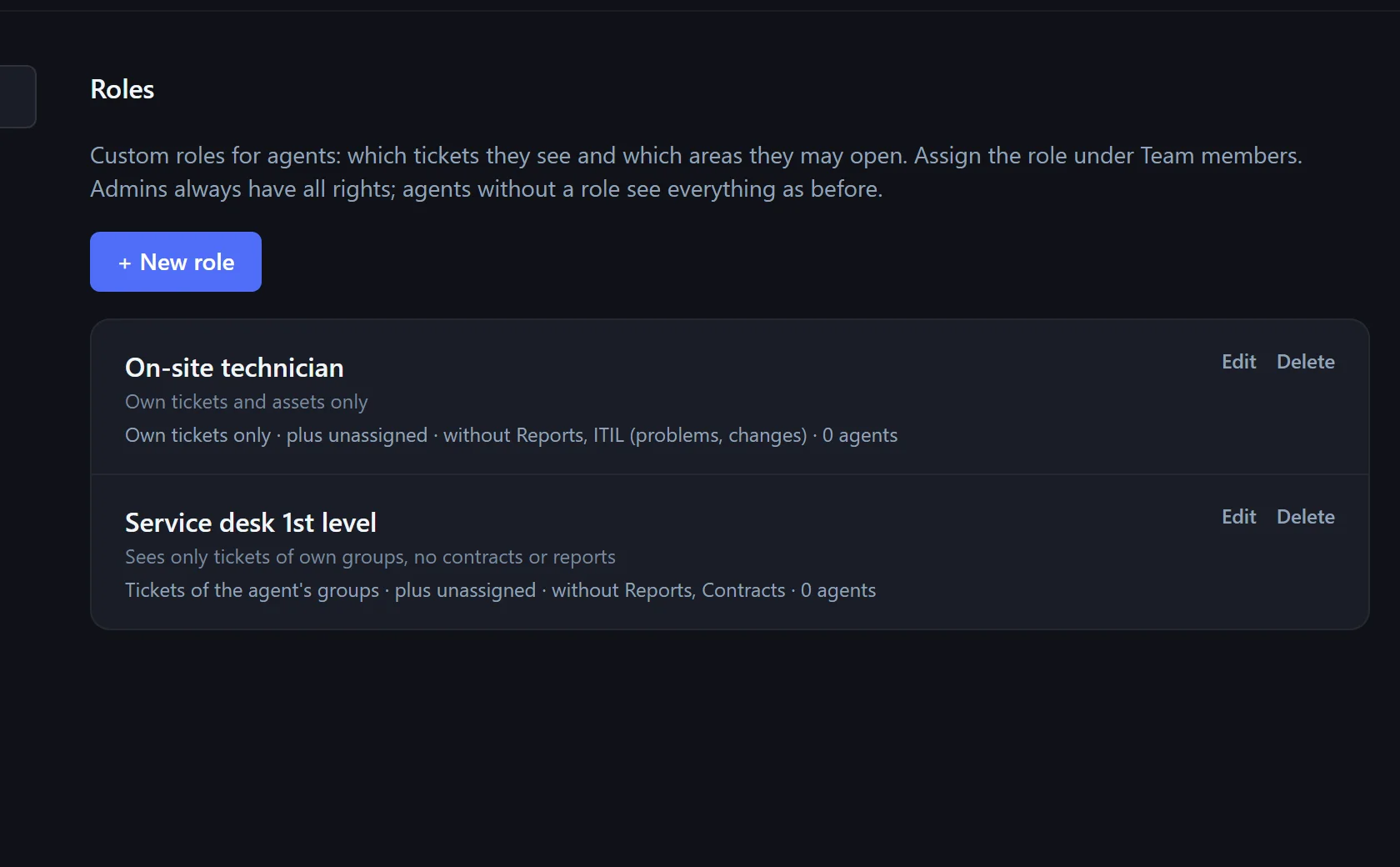
First-level support needs no contracts, the on-site technician only their own tickets. Roles and groups set that – enforced on the server.
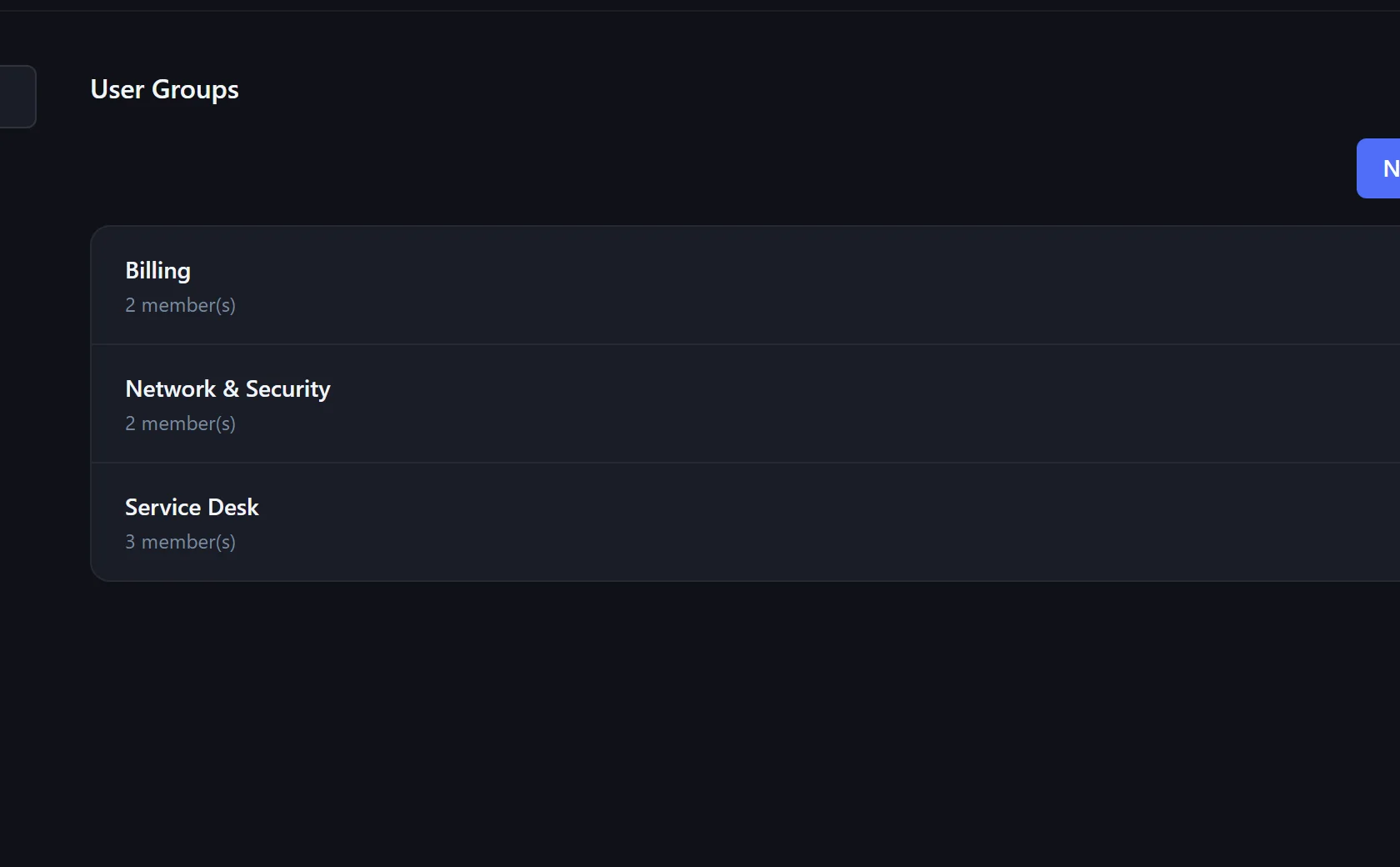
E.g. network, accounting, support team – tickets can be assigned to groups.
Which tickets: all, the own groups' or only own. Which areas: reports, contracts, assets, ITIL, catalog, monitoring.
Choose the role in Team Members – effective immediately.
Admins set Xendor up; agents work with tickets and data. Roles restrict agents further.
Yes.
Yes – API keys have the rights of the agent who created them.
In the pilot program: personal onboarding, then $25 (US) or €25 (EU, plus VAT) per agent per month, guaranteed for 24 months.