
What's included
- Column "12.5 of 20 h" – red when exceeded
- Warning at 90 % of included hours
- "Expiring soon" inside the contract's own notice period
- Automatic or manual renewal, status updated every night
How many hours does the customer have left? Which response time applies? When is the renewal due? Xendor answers before anyone asks.
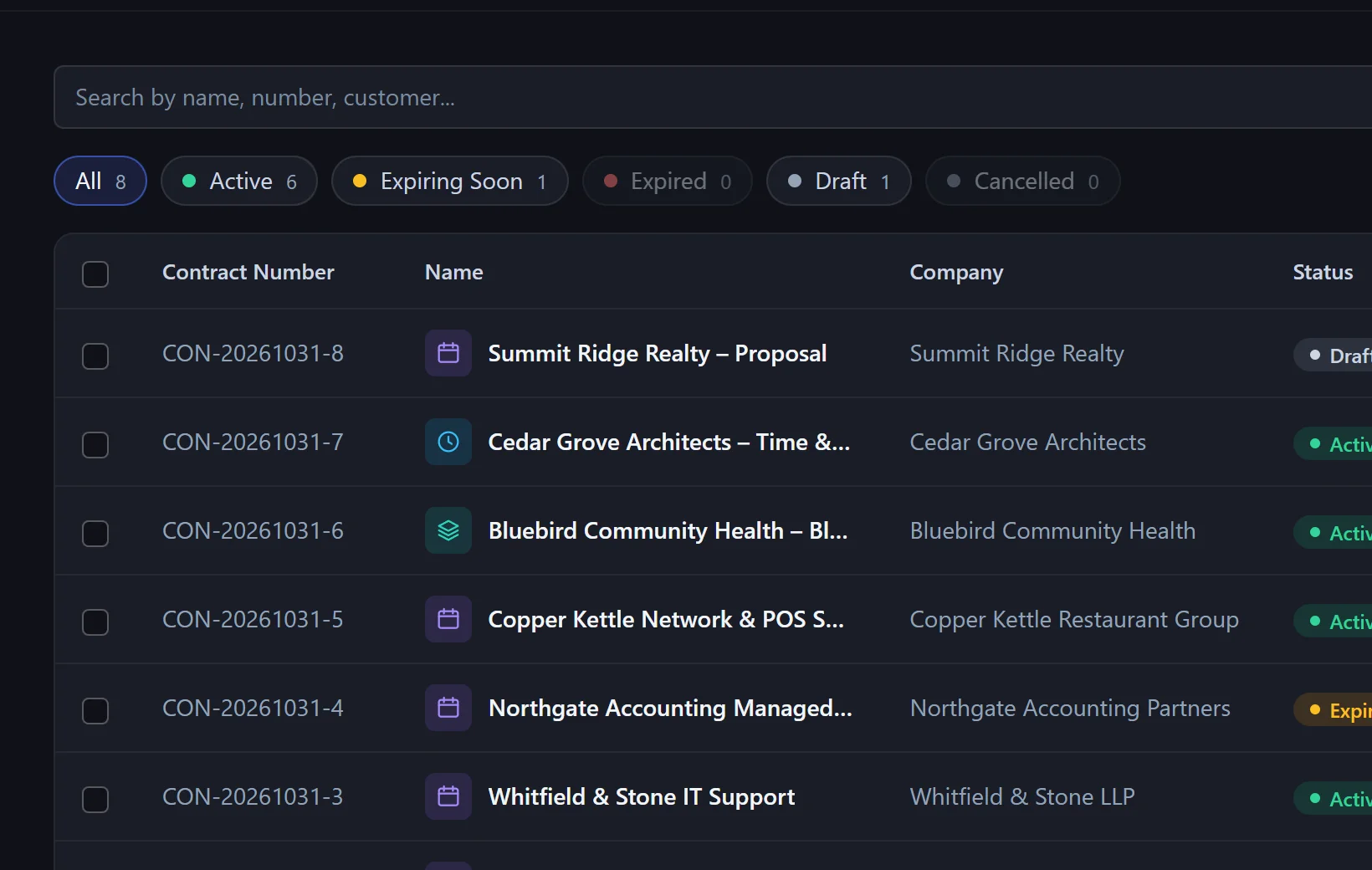
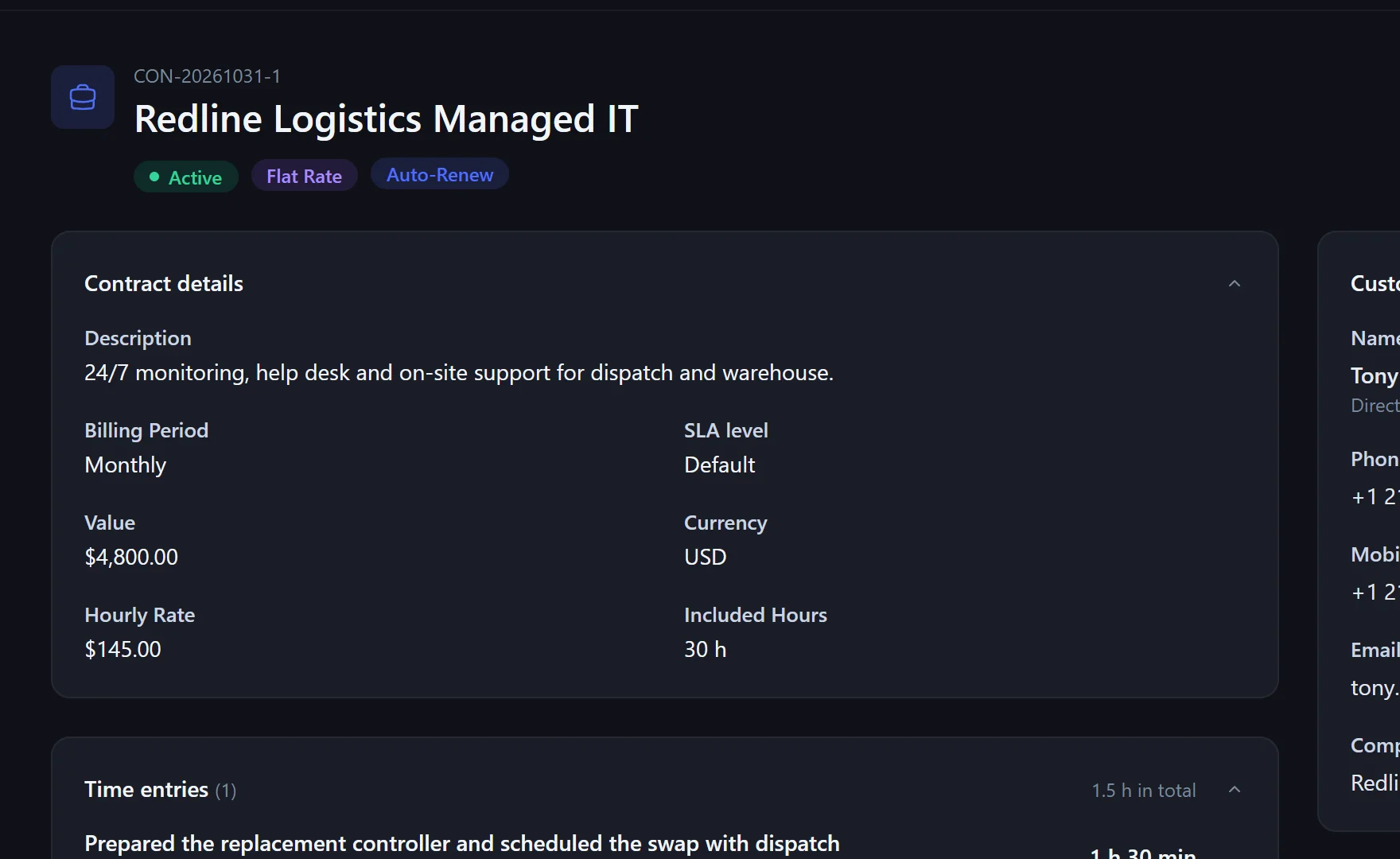
Flat rate, time & materials or mixed – with term, notice period, billing period, hourly rate and included hours.
Every contract gets an SLA level (e.g. Premium 24/7). The customer's tickets take their deadline from it automatically.
Logged time counts against the contract. When the quota is used up, Xendor warns while you log.
Yes. When logging time, the ticket's contract is suggested and can be changed.
Yes – through the SLA level on the contract, with business hours and holidays.
Yes. Admins get a notification, and the dashboard lists expiring contracts.
In the pilot program: personal onboarding, then $25 (US) or €25 (EU, plus VAT) per agent per month, guaranteed for 24 months.