
What's included
- Minimum password length (8–14 characters)
- Require letters and numbers
- Automatic logout after inactivity
- Audit log of all important changes
A stolen password is not enough: with two-factor login everyone also needs a code from their authenticator app.
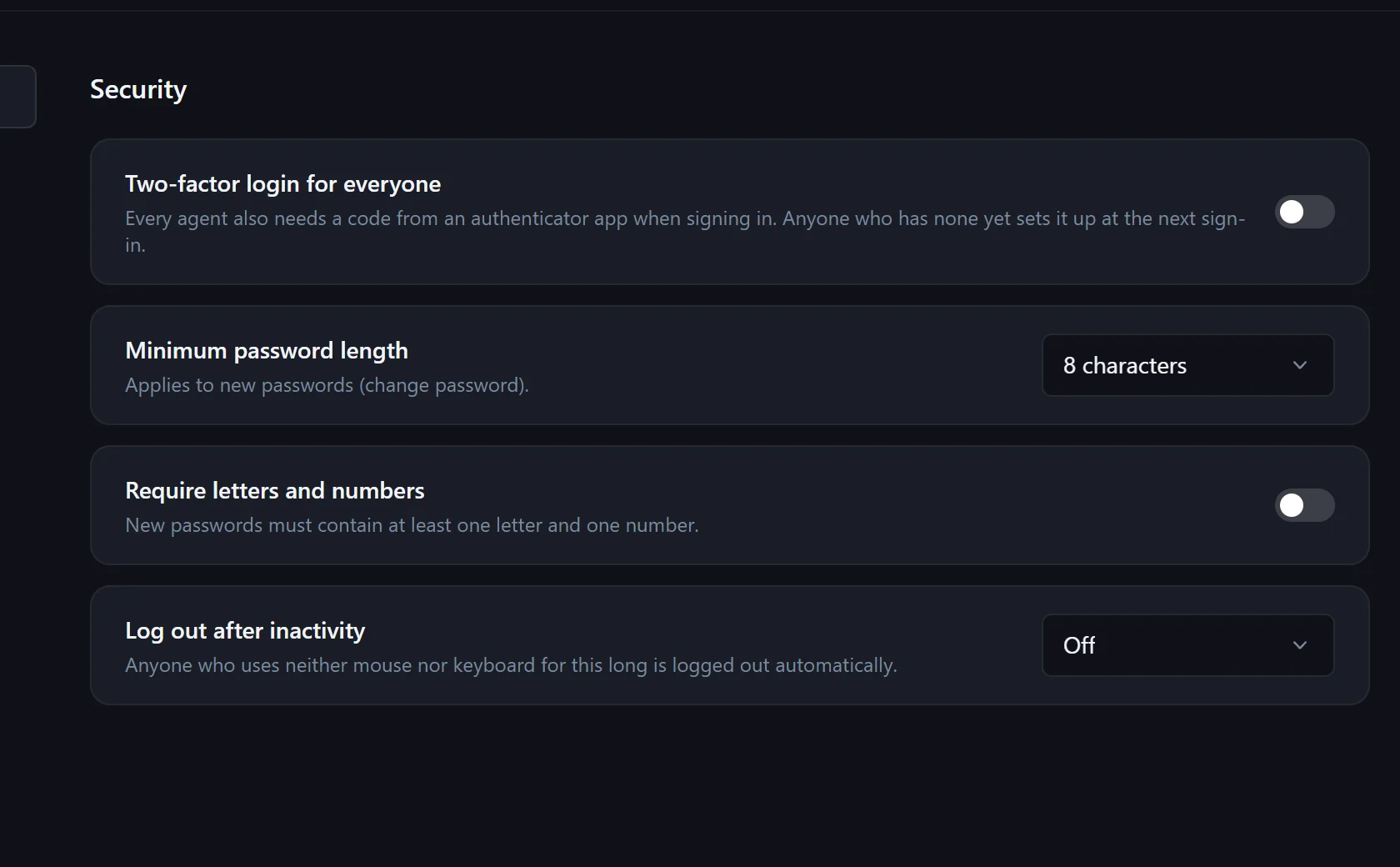
Settings → Security → "Two-factor login for everyone". Everyone sets it up at their next sign-in.
With an authenticator app, then save 10 recovery codes.
After the password, the code from the app – or a recovery code if the phone is missing.
Any common authenticator app that generates time-based codes.
Each of the 10 recovery codes works once.
Yes, under My settings – unless it is required for everyone.
In the pilot program: personal onboarding, then $25 (US) or €25 (EU, plus VAT) per agent per month, guaranteed for 24 months.